Legal work
in the jurisdiction you choose
Contract risk analysis, a legal library built on official sources, scanned-document OCR, document generation and matter management — in one workspace.
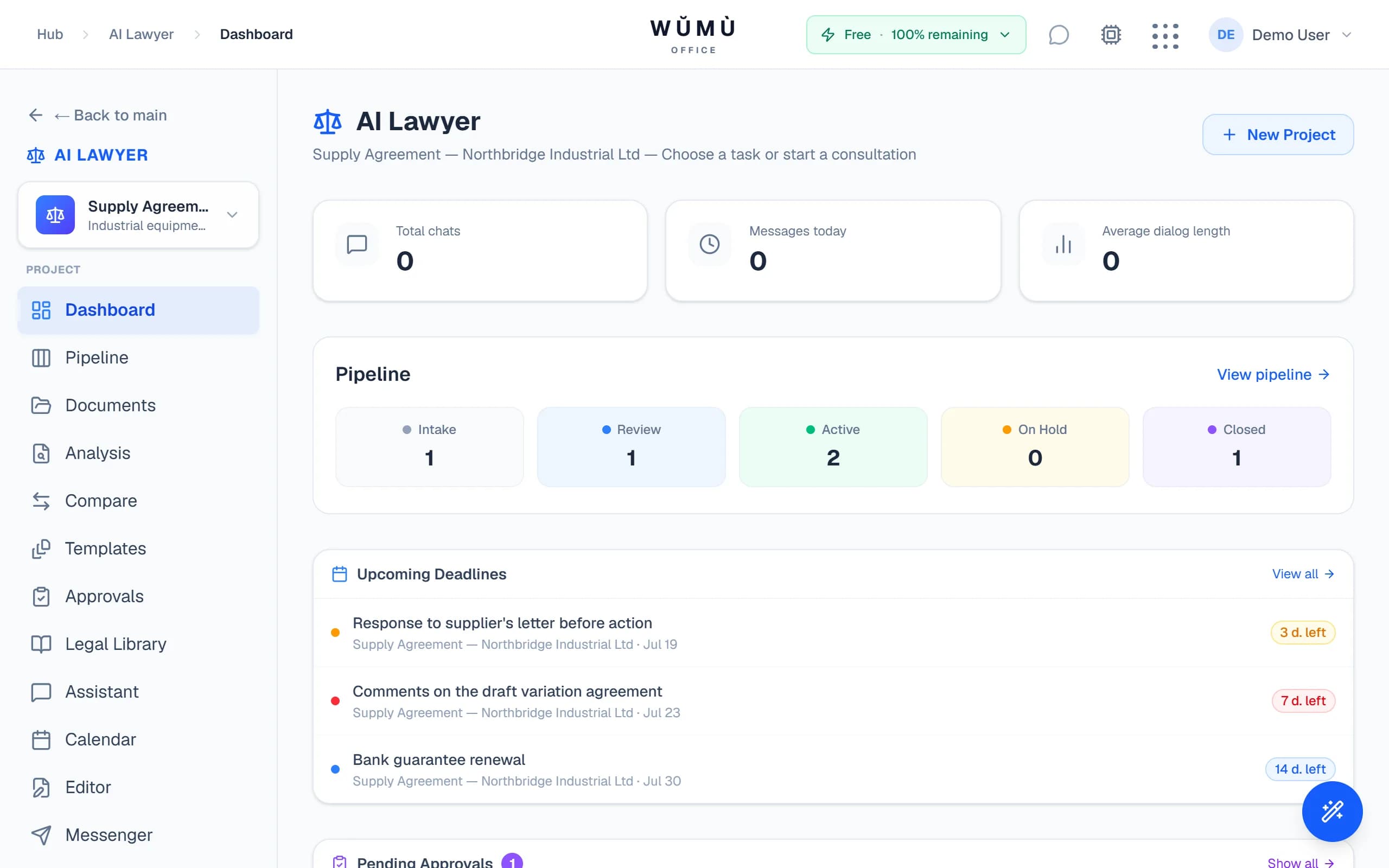
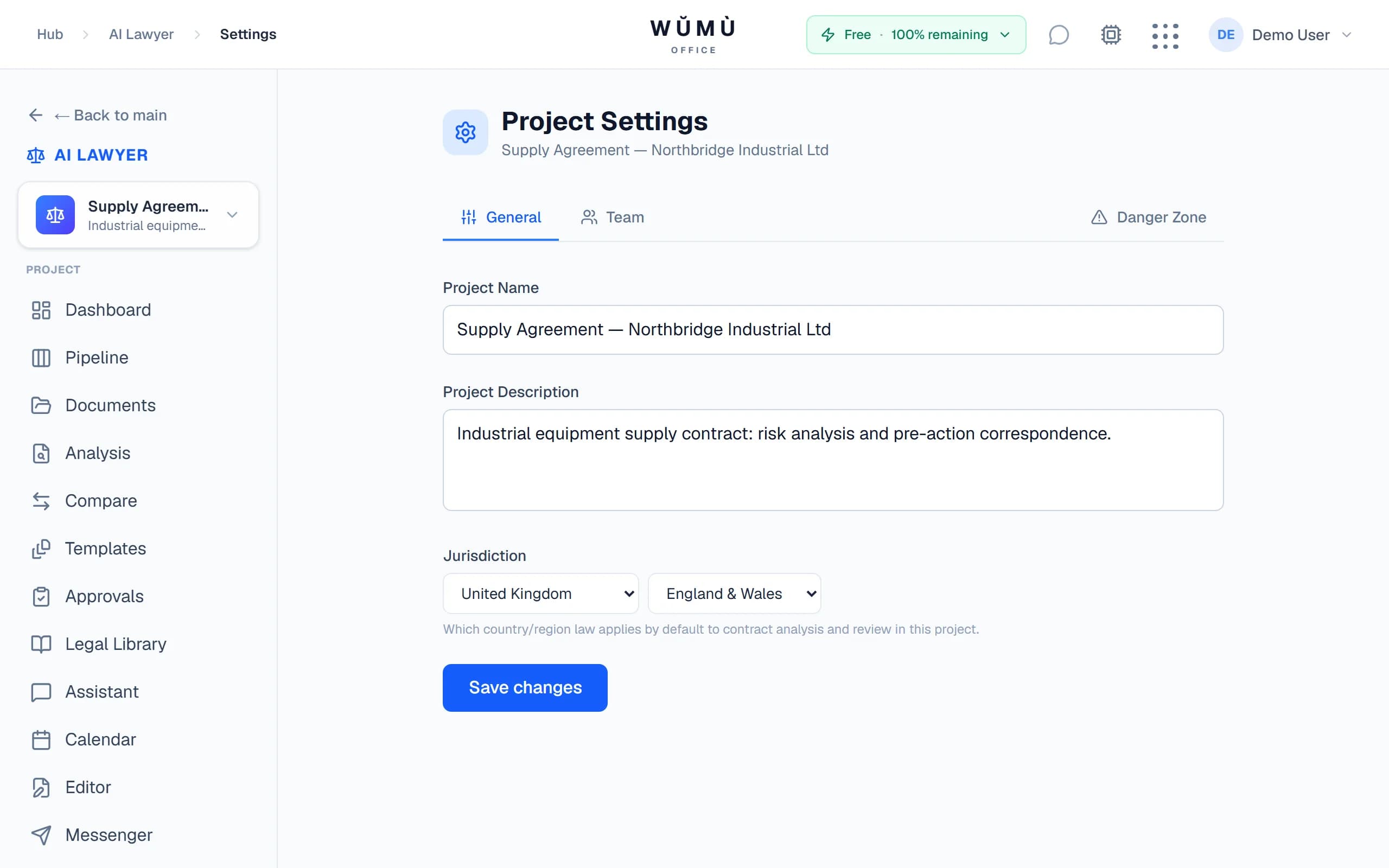
Law depends on where you are. So does your AI lawyer
Pick a country and region — analysis, review and chat operate in your matter's legal system, not a generic average.
A contract under English law cannot be reviewed as if it were Russian, and Delaware corporate documents are not German ones. That is why jurisdiction in WŬMÙ is not a prompt label but a setting that runs through everything: it is stored on the matter, applied to analysis, review and chat, and constrains which library documents the AI may cite as grounding.
Where one country contains several legal regimes, the choice cascades: first the country, then the region or special zone.
- United States → Delaware or California
- UAE → ADGM, DIFC or Mainland
- United Kingdom → England & Wales or Scotland
The jurisdiction registry grows without code changes — from the largest legal markets to niche ones.
Contract analysis: risks, not a summary
Paste your contract text — get risks, red flags and safer wording from your side of the deal.
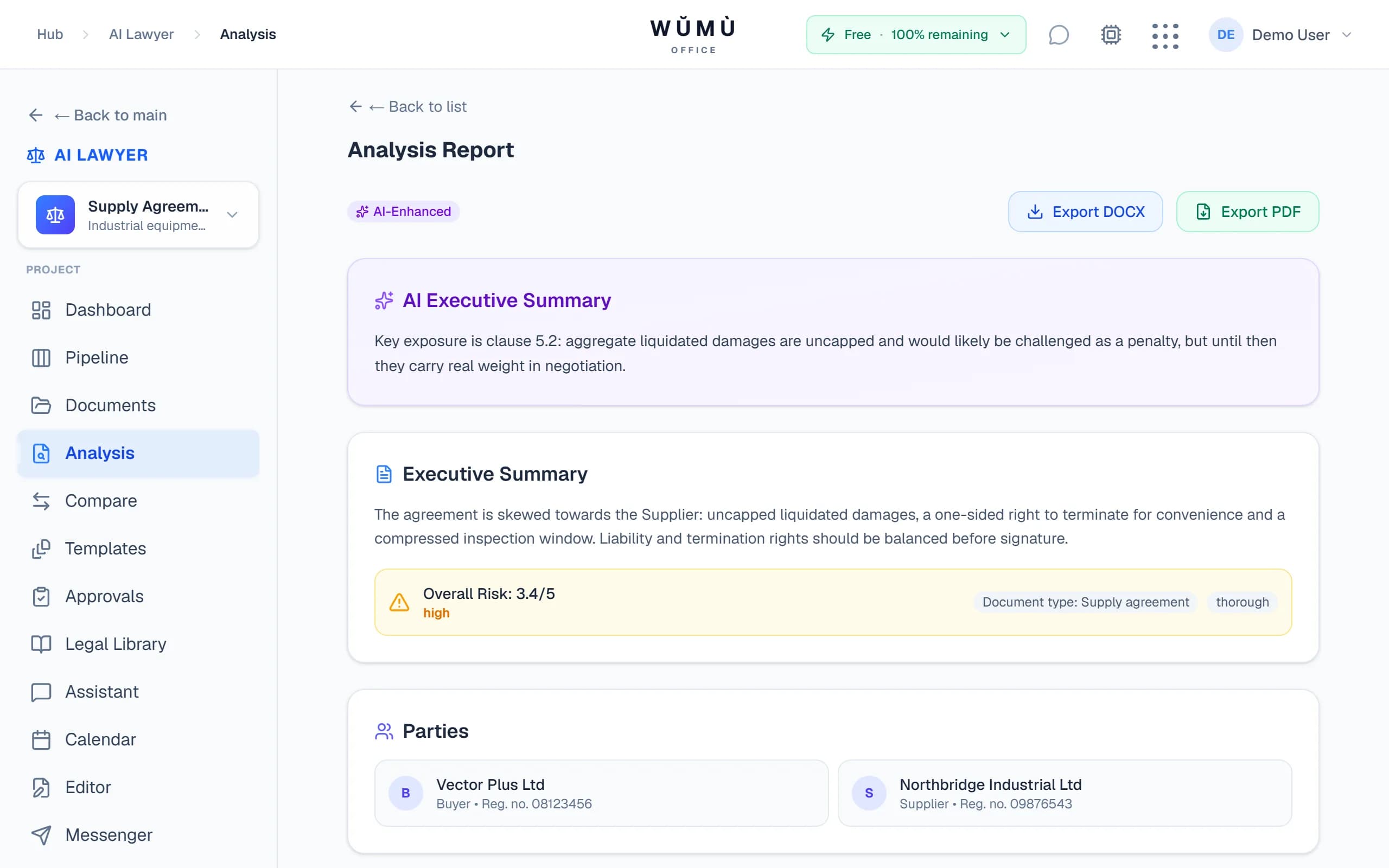
Red flags & risks
The system finds dangerous clauses — unilateral termination, hidden penalties, unbalanced liability — and explains what each one threatens.
Target party
Analysis is run from the position of the party you protect: buyer and supplier see different risks in the same contract.
Rules + AI
A hybrid of deterministic checks and AI: contracts in English, German and Russian get curated rule packs, with LLM analysis on top.
Your jurisdiction's law
Statute references come from the matter's legal system — a Russian code will not end up in an opinion on an English-law contract.
A legal library built on official sources
Not a "knowledge base from the internet" but documents with provenance: source, licence and retrieval date are stored with every act.
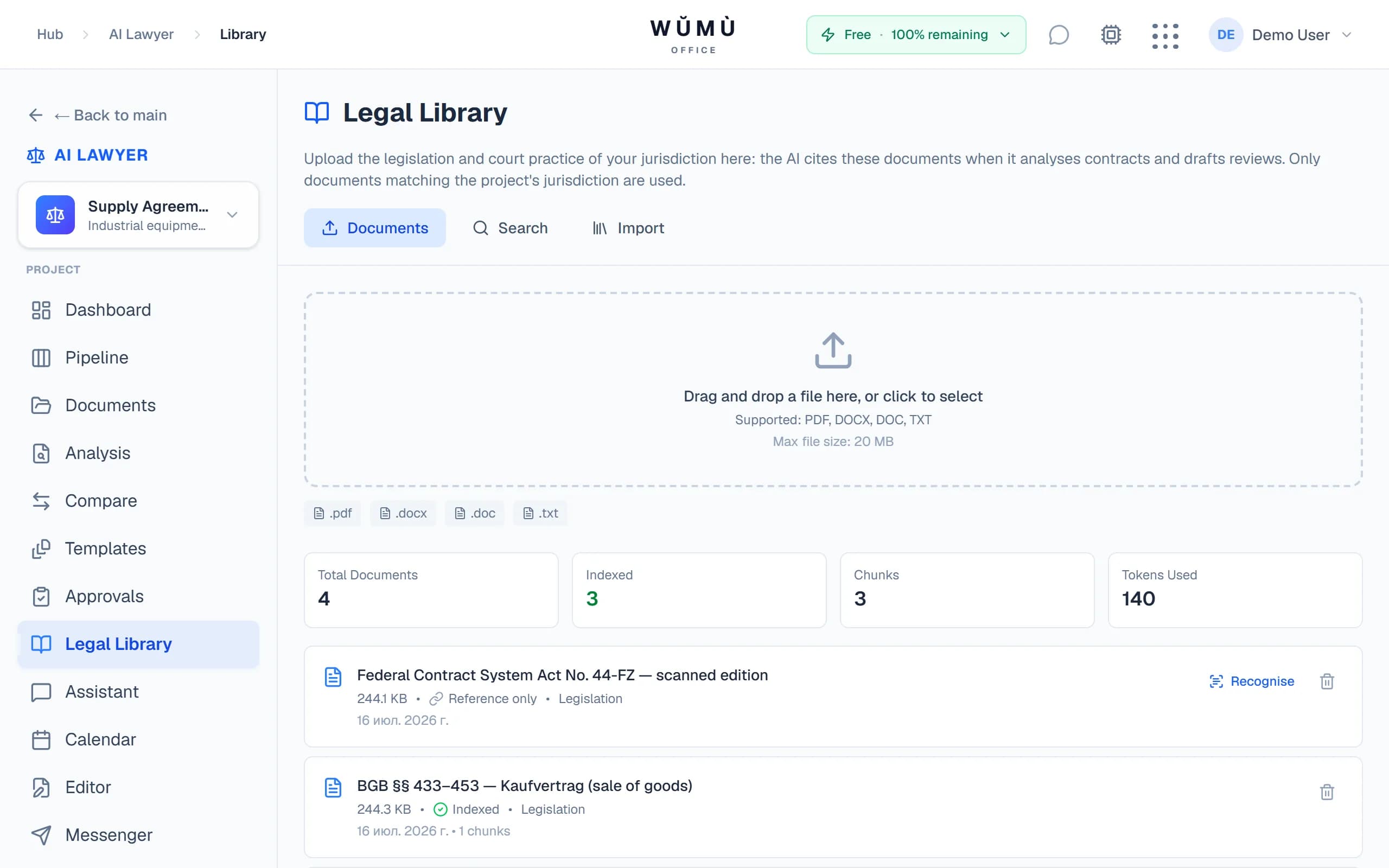
The library fills two ways: you upload your own documents, or import acts directly from official databases. Every document is tied to a jurisdiction — so analysis relies only on the law of its own legal system.
- legislation.gov.uk — United Kingdom legislation
- gesetze-im-internet.de — German federal law
- pravo.gov.ru — official publication of Russian legal acts
Fragments of library documents enter analysis and review as grounding: the AI cites your sources, not the model's recollections.
Scans get read instead of gathering dust
Plenty of legal documents exist only as scans. WŬMÙ recognises them and puts them to work in the library.
Upload a scan
A PDF without a text layer is a normal case, not an error: the system detects on its own that it is looking at a scan.
OCR in the background
Works on signed and stamped copies too. Processing runs in the background — no need to wait with the tab open.
The document joins the ranks
Recognised text is indexed and starts participating in search and analysis grounding alongside every other document.
OCR runs in the Legal Library. A document that already has a text layer takes the free path — no recognition is started.
Editor, AI review and document generation
From draft to finished document — without leaving the lawyer office.
AI review
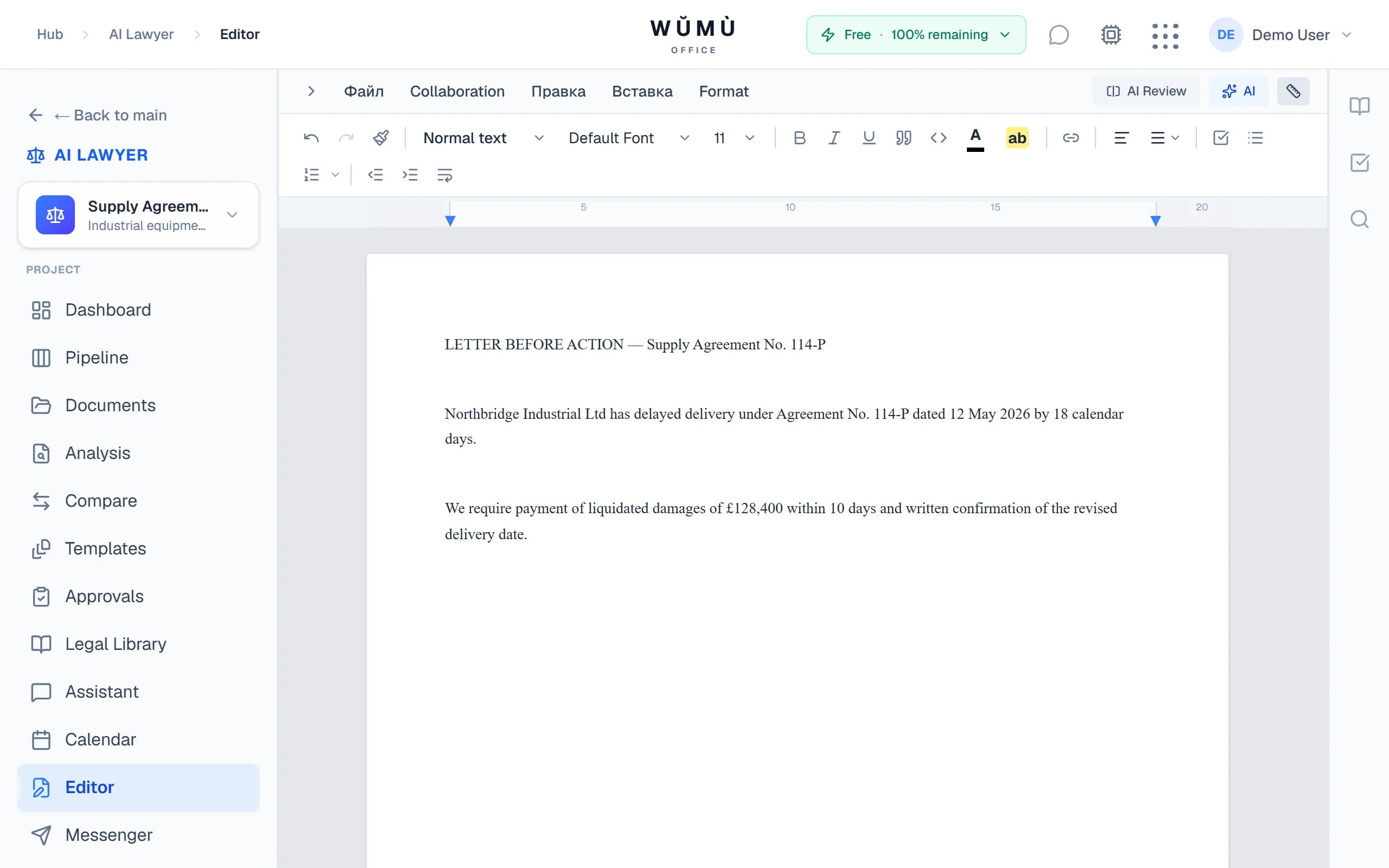
The editor reviews a document in the matter's jurisdiction: comments on wording, risks and structure — right in the text.
Document generation
Claims, demand letters, contracts and correspondence are drafted from a task description and refined in the editor.
Templates
Your own templates with a jurisdiction attached: the whole team works from the same vetted boilerplate.
Matter management without a side spreadsheet
Stages, deadlines and approvals live where the documents and analysis are.
Matter pipeline
Matters by stage — from intake to closing: you can see what is moving and what is stuck.
Deadlines
All matter deadlines in one place: the nearest on the dashboard, the full list in the matters calendar.
Approvals
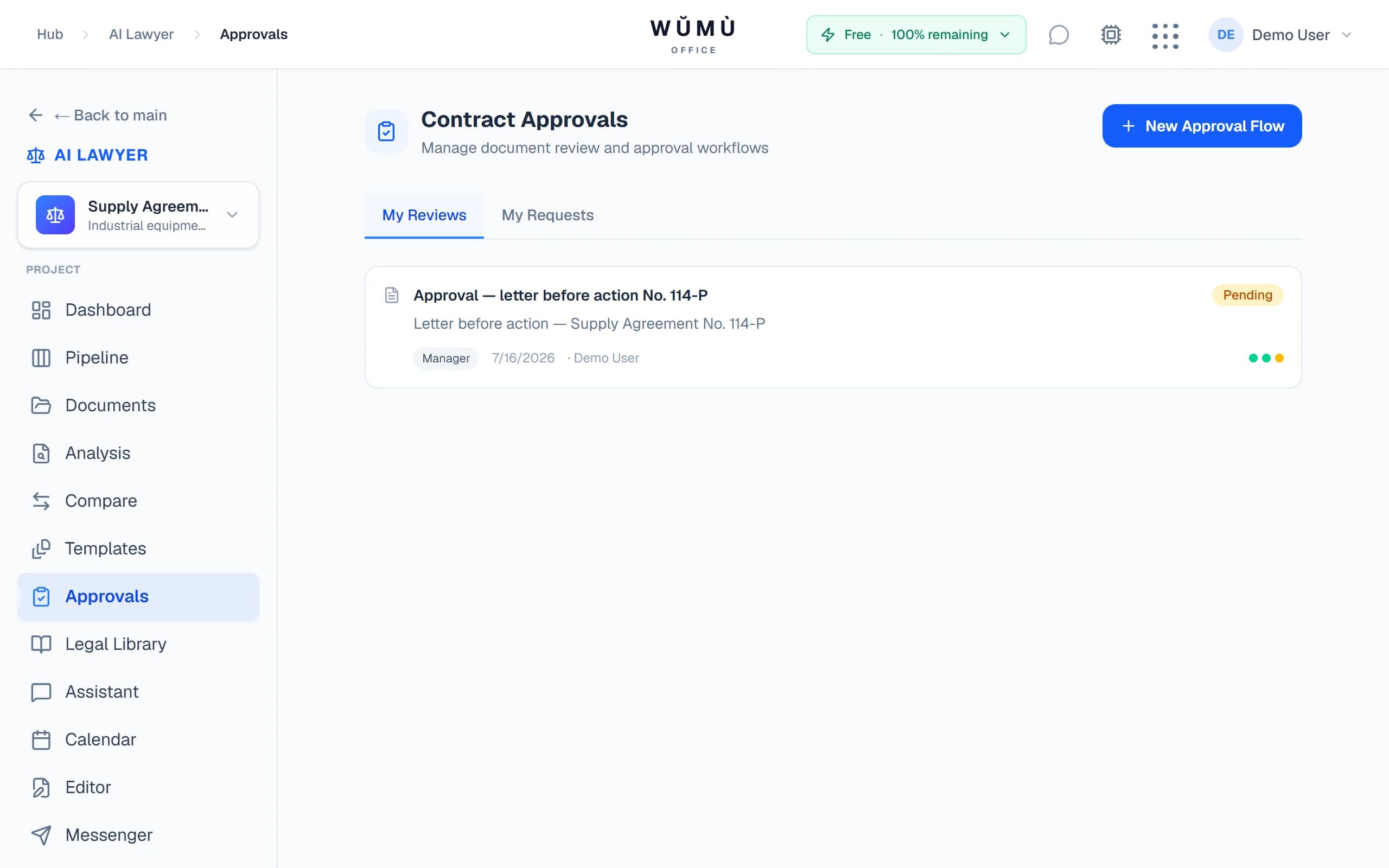
A document goes for approval inside the workspace — with decision history and statuses.
Compare & export
Contract version comparison with a summary of differences; export of analyses and documents to PDF and DOCX.
Legal chat with case-law search
Question in, answer out — in the context of your matter and its legal system.
Jurisdiction context
The chat answers within the matter's legal system and draws on the documents in your library.
Case law
Search court practice on your question — straight from the chat or from the library page.
Your documents stay in your perimeter
Contracts are sensitive data. We say plainly what we do to protect them.
Workspace isolation
Documents, matters and the library belong to the workspace: access from another one is excluded at the database level.
Roles and access
Owner, admin, member — access to actions and data is defined by the role in the workspace.
Transparent consent
Data processing starts only after explicit consent; the terms and policy are available before you begin.
Frequently asked questions
Short answers to what gets asked most.
Try the AI lawyer office
Create a matter, pick a jurisdiction and review your first contract — for free.
Start freeThe service is a software tool and does not provide legal services. AI output is not legal advice and requires review by a qualified professional.