A free text editor
with AI inside the document
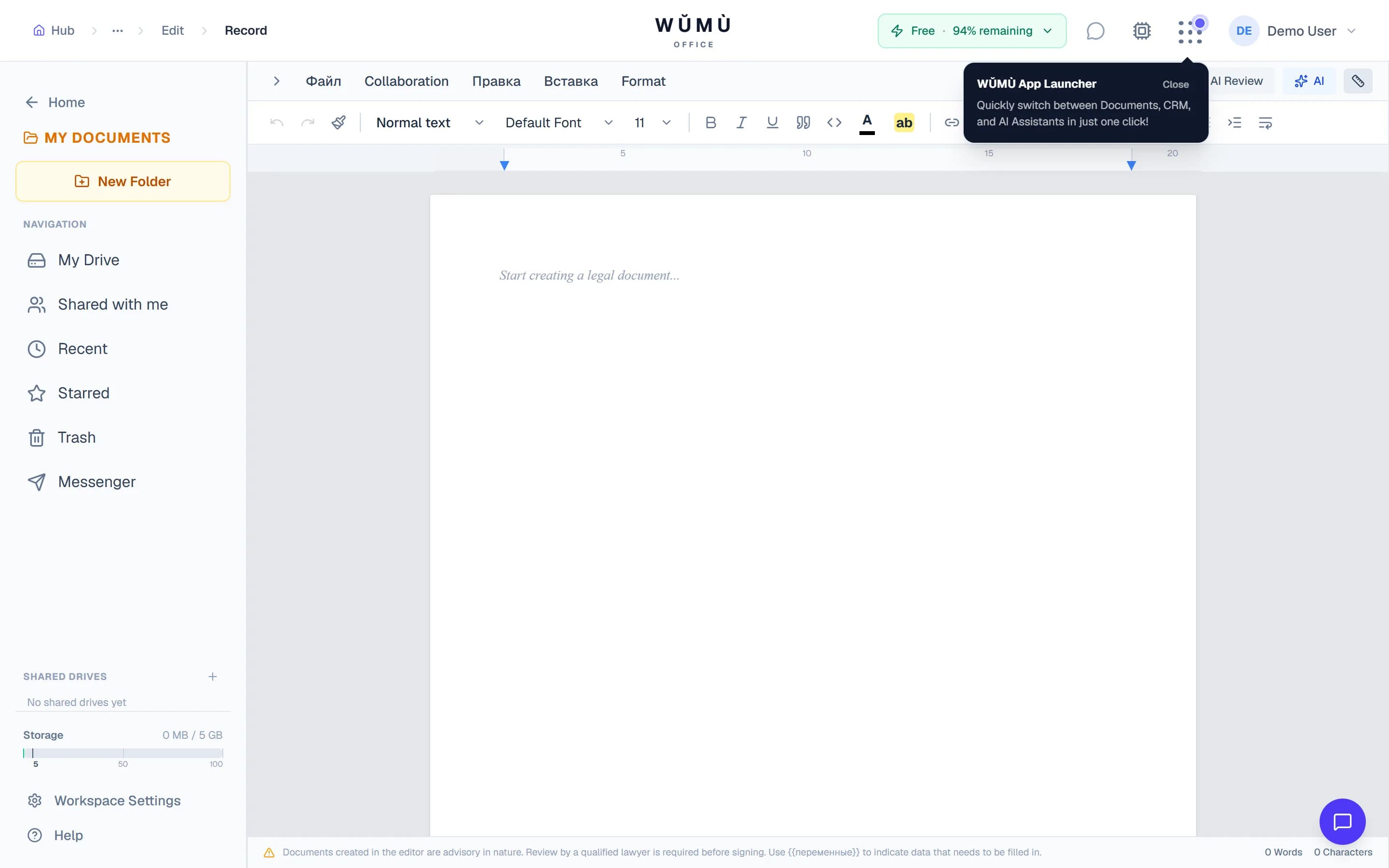
Write, edit and review documents in the browser: tracked changes with per-author attribution, comments anchored to a selection, real-time co-editing, Word and PDF import, export to six formats. AI underlines spelling and grammar problems instead of rewriting your document.
What exactly is free
No asterisks — here is the list of what we do not charge for.
Documents without a counter
Create, edit and save as many documents as you need. The only limit is your account's total storage.
Working together
Simultaneous editing with collaborator cursors, threaded comments with @mentions and tracked changes — none of it is metered.
Import and export
Open .docx with images and PDF files, export to DOCX, PDF, ODT, EPUB, HTML and TXT. Conversion never touches your quota.
Quota is spent on AI requests only. On the free plan that is 5,000 tokens and 10 requests per month.
What the editor can do
The things people usually install a desktop office suite for.
Reviewing like in Word
Turn on tracked changes and every edit is recorded with its author and time. Deleted text is struck through rather than gone. Accept or reject edits one by one, in the text itself or from the side panel.
Comments on a selection
Select a fragment and leave a comment with a discussion thread and an @mention. The panel lists threads in document order and tells you plainly when the commented text has been deleted.
Real-time collaboration
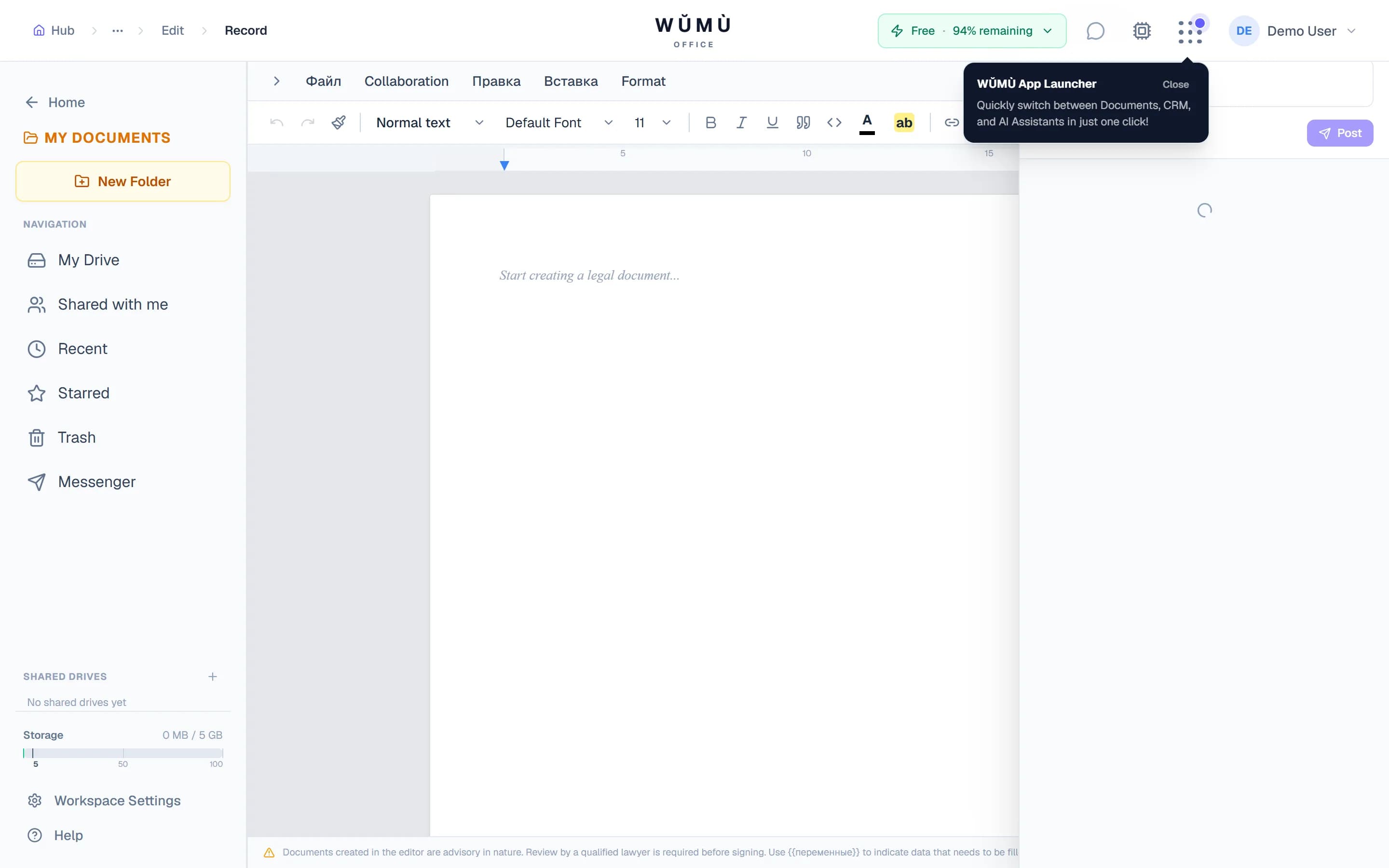
Collaborator cursors appear right in the text, and the header shows who is in the document and whether the connection is alive. Edits sync without a Save button.
Document layout
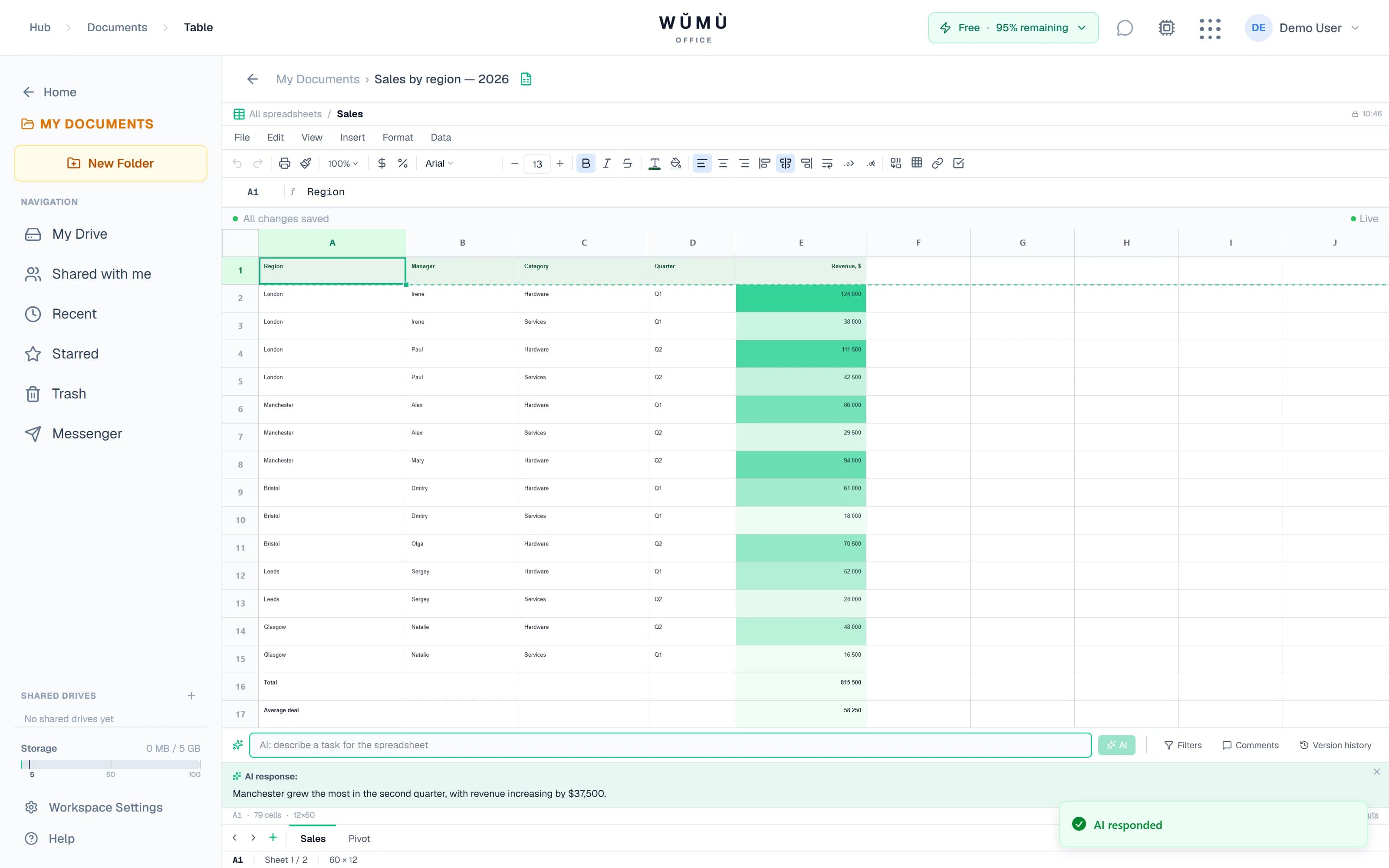
A4 pages with headers and footers, footnotes and endnotes, columns, KaTeX formulas, a table of contents and heading numbering. A pageless mode is available for continuous text.
AI that helps instead of rewriting
We deliberately never let the AI replace your whole document: it suggests, you decide.
Spelling and grammar checking
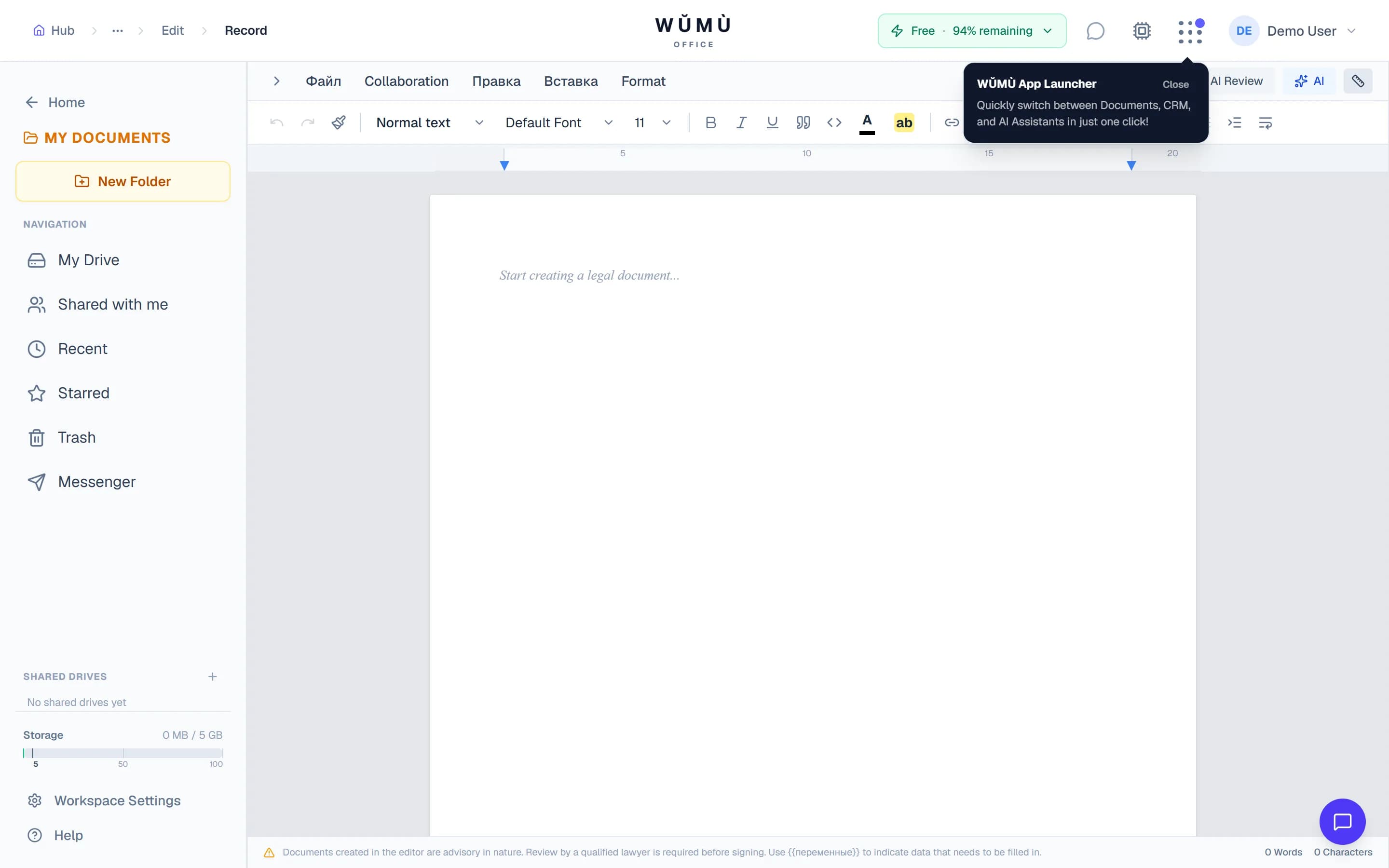
Problems are underlined in place. Click an underline and pick a replacement. Formatting, comments and your colleagues' edits stay untouched.
Inline completion as you type
The editor offers a continuation of your sentence in grey. Not what you meant? Just keep typing.
An assistant over your document
Ask about the text: shorten it, simplify it, make it stricter, explain a passage. The answer arrives in the side panel — inserting it is your call.
AI is available on the free plan within a monthly quota. When the quota runs out, the editor keeps working in full.
Capabilities at a glance
A verifiable list — no comparisons with other products.
| Capability | How it works in WŬMÙ |
|---|---|
| Tracked changes | Word-level, with author and time; accept or reject one at a time |
| Comments | Anchored to a selection, threads, @mentions, document order |
| Collaboration | Simultaneous editing, collaborator cursors and presence |
| Import | DOCX (with images), PDF, RTF, ODT |
| Export | DOCX, PDF, ODT, EPUB, HTML, TXT |
| Price of the editor | Free, with no cap on the number of documents |
Frequently asked questions
Yes. Creating, editing and saving documents needs no paid plan, and the number of documents is not capped. A paid plan is only needed once you exhaust the monthly AI quota.
Yes, the editor runs in the browser. Nothing to install, though a free account is required — documents are stored in your workspace.
Yes. A .docx opens together with its images, tables and lists. PDF, RTF and ODT are supported too. You can export to DOCX, PDF, ODT, EPUB, HTML and TXT.
Problems are underlined with a wavy line as you type. Click one and the editor offers replacements, changing only that fragment — your document is never rewritten wholesale, so formatting and comments survive.
Yes. Collaborators' edits appear in real time, their cursors are visible in the text, and the header shows who is currently in the document. There is nothing to save manually.
Edits are recorded word by word and attributed: you can see who changed what and when. Deleting strikes text through instead of erasing it, so every edit can be accepted or rejected on its own.
Open a document right now
Signing up is free and the editor is available as soon as you are in.
Start freeNo card required. The AI quota resets every month.